Execution keeps moving
Return current status from active work.

07 / CONTROL & RESPOND
Move from operating signals to affected work so an operator can review context and decide what to do next.
01 / The operating need
Move from operating signals to affected work so an operator can review context and decide what to do next.
Return current status from active work.
Separate developing risk from normal flow.
Show the operator the work, timing and available action.
02 / The operating story
The sequence keeps operating context attached while people review decisions and physical work moves.
Receive status from moving work.
Make delays and attention states visible.
Open the affected work and current context.
Let the operator choose the next action.
Return updated status to the operating view.
03 / Real product evidence
Only authentic, privacy-safe product evidence is shown. Each crop supports the operating role described beside it.
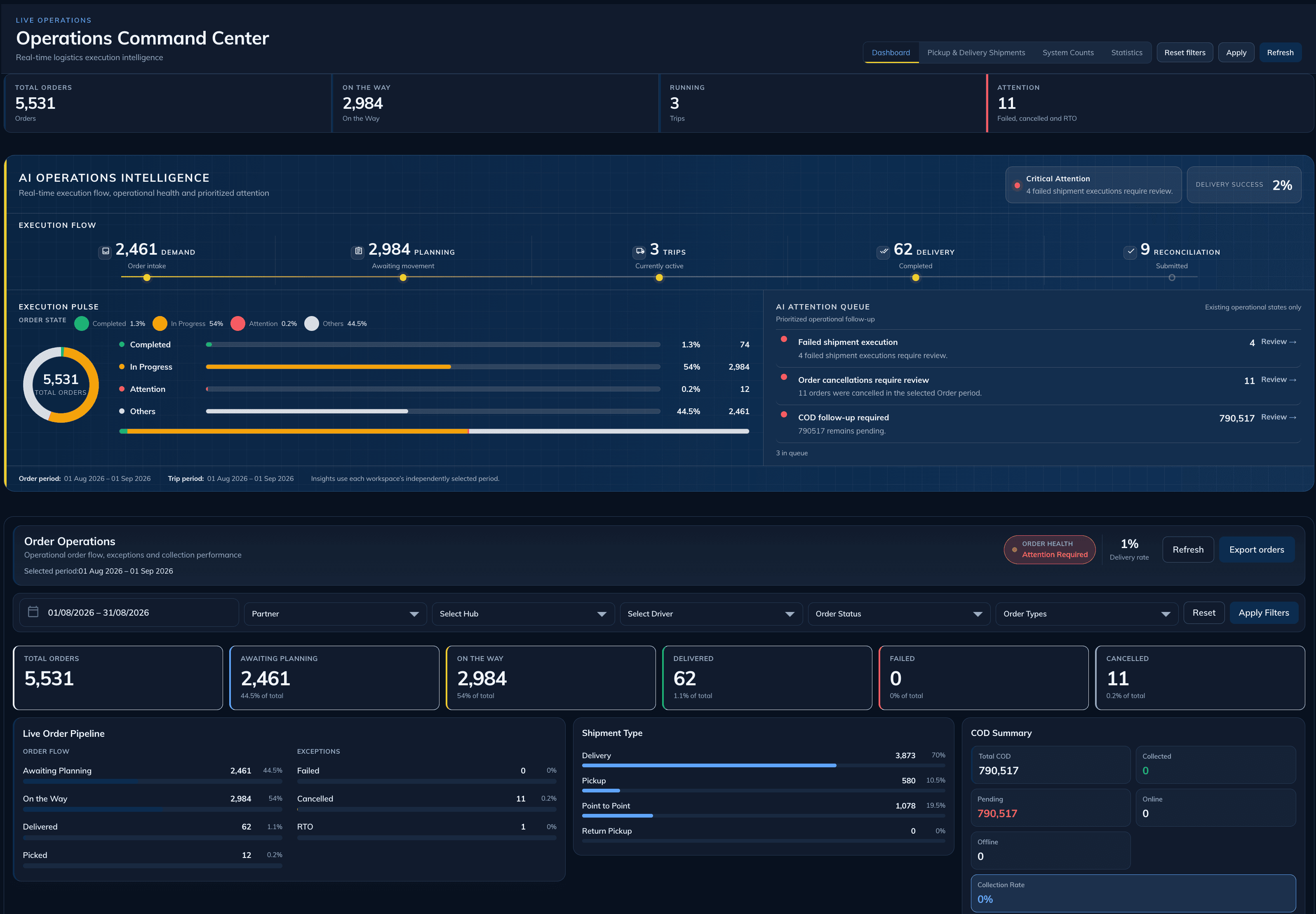
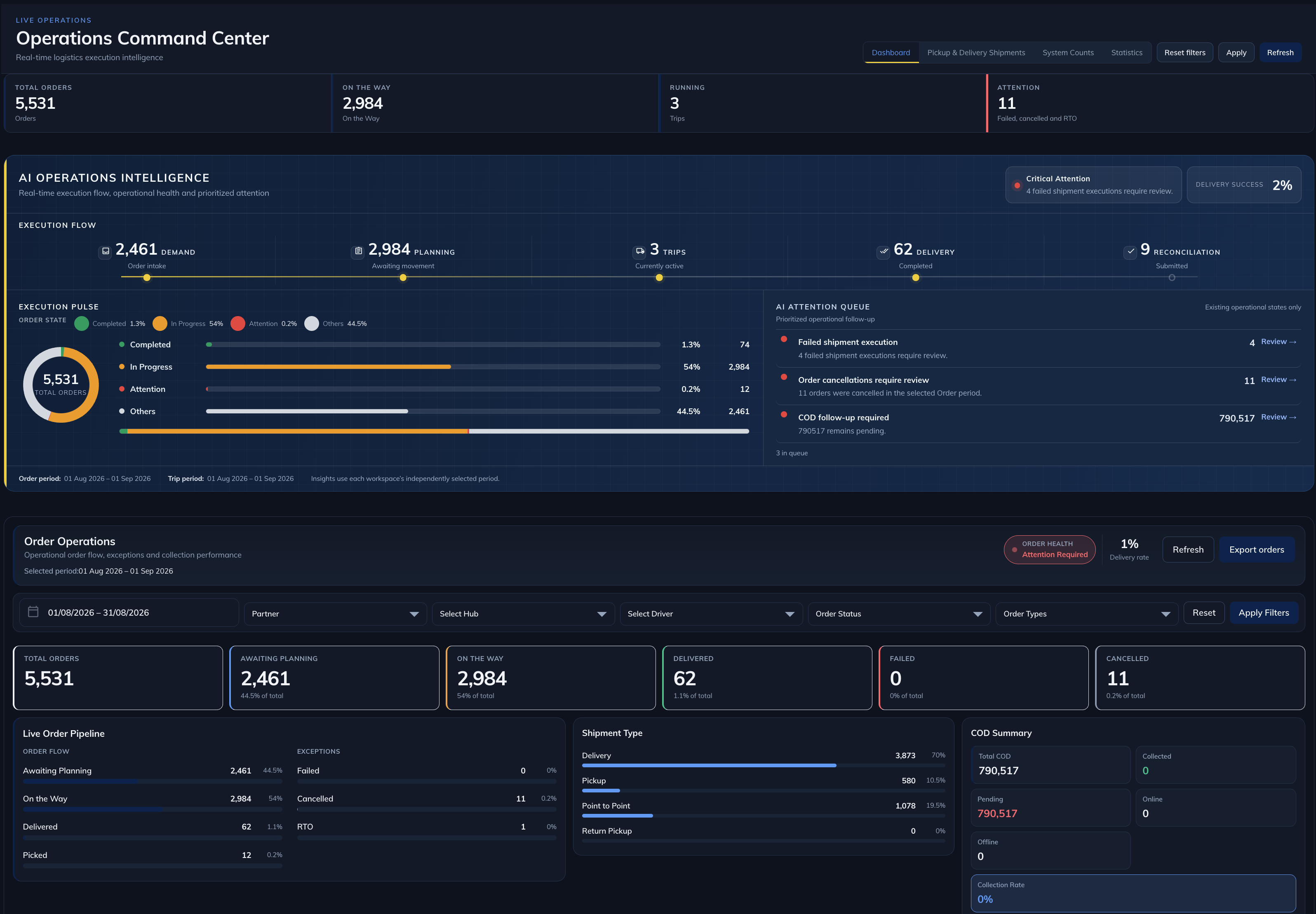
Operating overview
The command center provides a current overview before operators move into specific attention states.
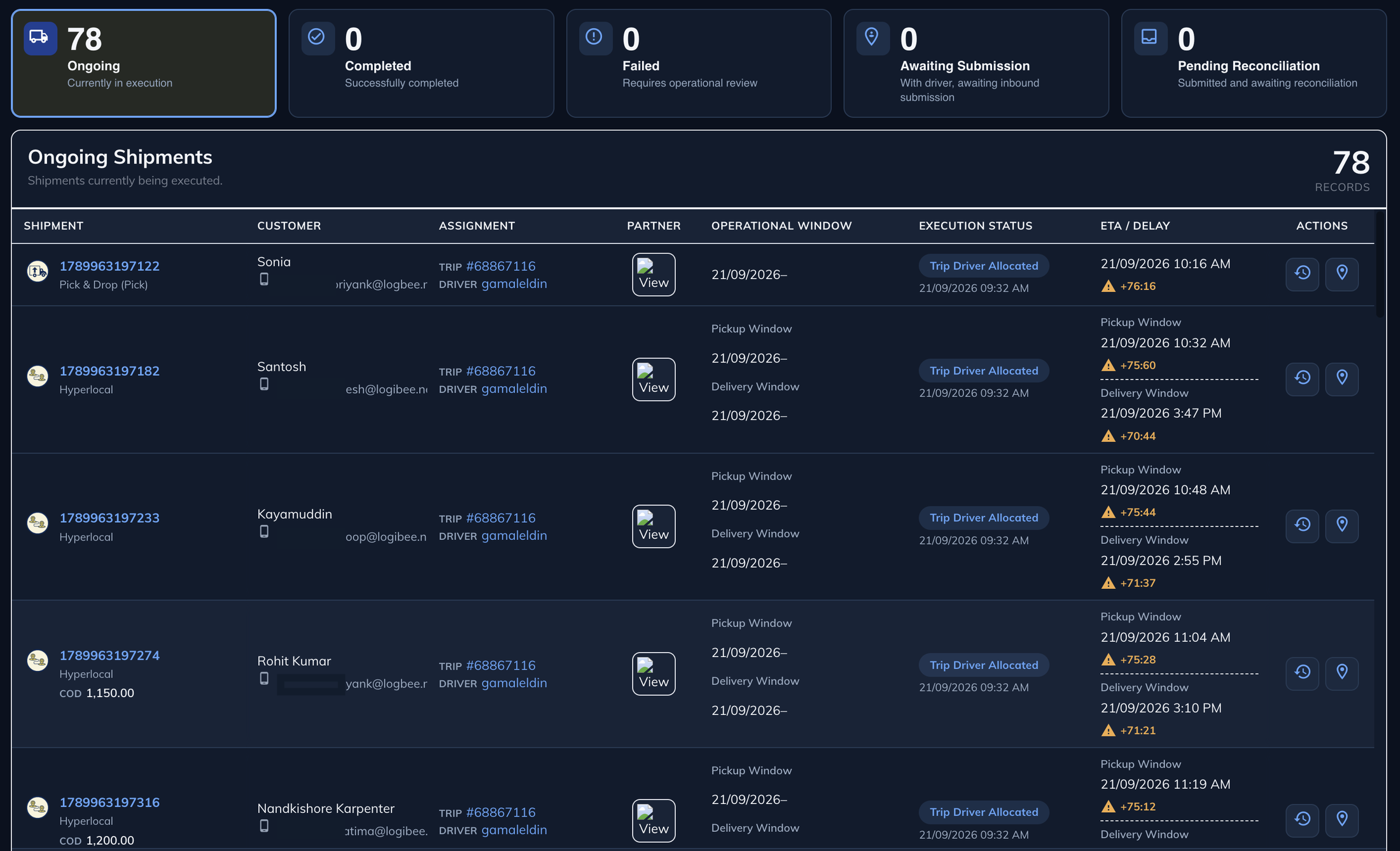
Focused attention
The execution queue keeps status, operational windows and delay signals together for operator review.
04 / Capabilities working together
Capability pages explain the underlying product depth. This page explains how they contribute to the operating need.
Connects operating status and attention signals.
Explore capability →Returns current execution state from active work.
Explore capability →Provides route and sequence context when plans need review.
Explore capability →05 / Supported impact
These are supported operating outcomes. No invented percentages or guaranteed savings are used.
06 / Where it operates
Industry links show the physical context around the need.
Shared capacity, client commitments and partner execution.
Demand, fulfilment, delivery and customer commitments.
Time-sensitive work, controlled handoffs and evidence.
Scheduled mobile work and verified service completion.
Supply readiness, routes and accountable receiving.
07 / Related operating problems
These links use canonical Problem Intelligence records.
08 / Case studies
Only verified transformation stories are linked.
Start the conversation
Review the need, evidence and operating fit with the Logibee team.